The 10 Best LMS in Canada
 13 minutes




If you want to choose a learning management system (LMS) that meets the following criteria, you’re in the right place:
- Available in English and French
- Has a tangible share of the Canadian market
- Widely used in North America
- PIPEDA-compliant
 In this guide, we’ll break down the 10 top LMS in Canada and provide you with valuable insights into how to choose the best platform for your organization.
| LMS | Best for |
| iSpring LMS | Employee training, onboarding, certification, and partner training |
| Moodle | Academic learning |
| Docebo | Leadership development, upskilling, and social learning |
| Brightspace | Blended classroom learning |
| Canvas | Schools, colleges, and universities |
| Absorb LMS | Corporate training |
| TalentLMS | Extended enterprises and corporate training |
| SkyPrep | Enterprise learning activities |
| Trainual | Employee onboarding and documenting internal workflows |
| Looop | Sales and compliance training, onboarding, and customer education |
The Best Learning Management Systems in Canada
Here’s a list of the top 10 LMS providers in Canada.
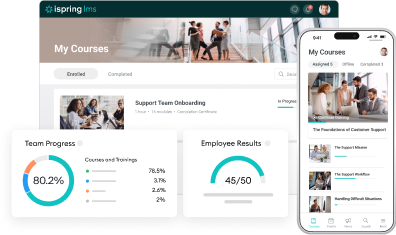
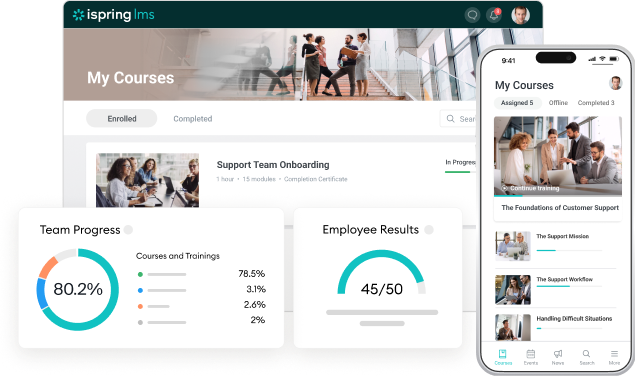
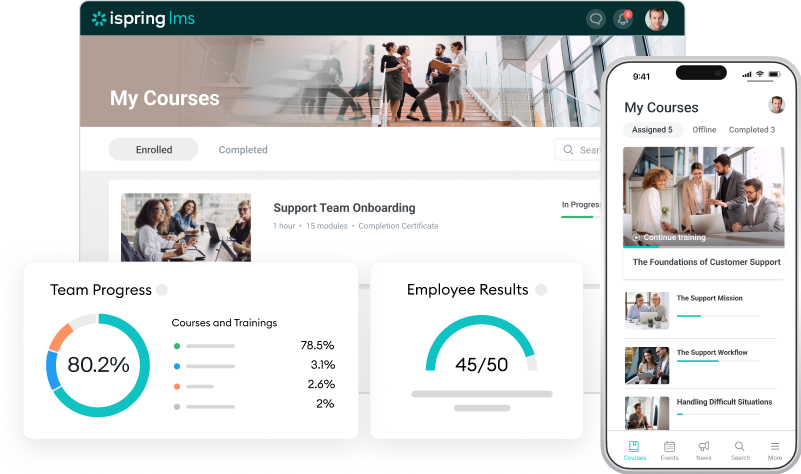
iSpring LMS is a learning management system that helps you onboard, upskill, and certify your team. With this cloud-based LMS software, you can easily create training programs, track learner progress, and evaluate employees using 360-degree feedback.

Check out these case studies to learn how iSpring LMS has helped Canadian clients streamline their training:
 Ontario Virtual School: “With iSpring, we create engaging eCourses for over 4,000 students.”
IACLE: “iSpring contributes to 30% of the contact lens training we run globally.”
Main features
- AI-assisted learning support. The built-in AI assistant handles time-consuming tasks, such as content generation, course translation, and quiz creation, allowing you to scale training faster.
- Role-based learning paths. Structured tracks combine courses, assessments, and resources, helping employees transition smoothly from onboarding to advanced roles.
- Performance-linked upskilling. Development plans reflect performance data, feedback, and goals. Learning becomes more targeted and relevant to each employee’s daily work.
- Knowledge Base. On-demand checklists, how-to videos, and FAQs in the mobile app support learning in the flow of work.
- Measurable learning impact. Analytics connect learning activity to outcomes, such as skill adoption and compliance, providing insights to refine courses and track ROI.
Pros
- User-friendly interface
- White labeling: a training portal with custom branding
- Support for multiple languages, time zones, and localization options
- AI assistant for fast microlearning course creation
- Bundled with the iSpring Suite AI authoring tool
- LMS integrations: CRM, calendars, eCommerce, and video conferencing tools
- Award-winning customer support
- Excellent customer support
- Gamification with badges, points, and leaderboards
- Blended learning capabilities
- Gamification with badges, points, and leaderboards
- Certificates of completion
- Mobile app with offline learning
- Free 30-day trial
Cons
- Limited characters for some industries
- No forums or discussion groups
- No multi-tenancy
Best for:
Employee onboarding, training, certification, and partner training.
Pricing
iSpring LMS is billed annually, with lower per-user costs and higher user volumes.
- 300 users: $4.46 USD per user/month
- 500 users: $3.97 USD per user/month
- 1,000 users: $3.58 USD per user/month
A custom plan is available upon request.
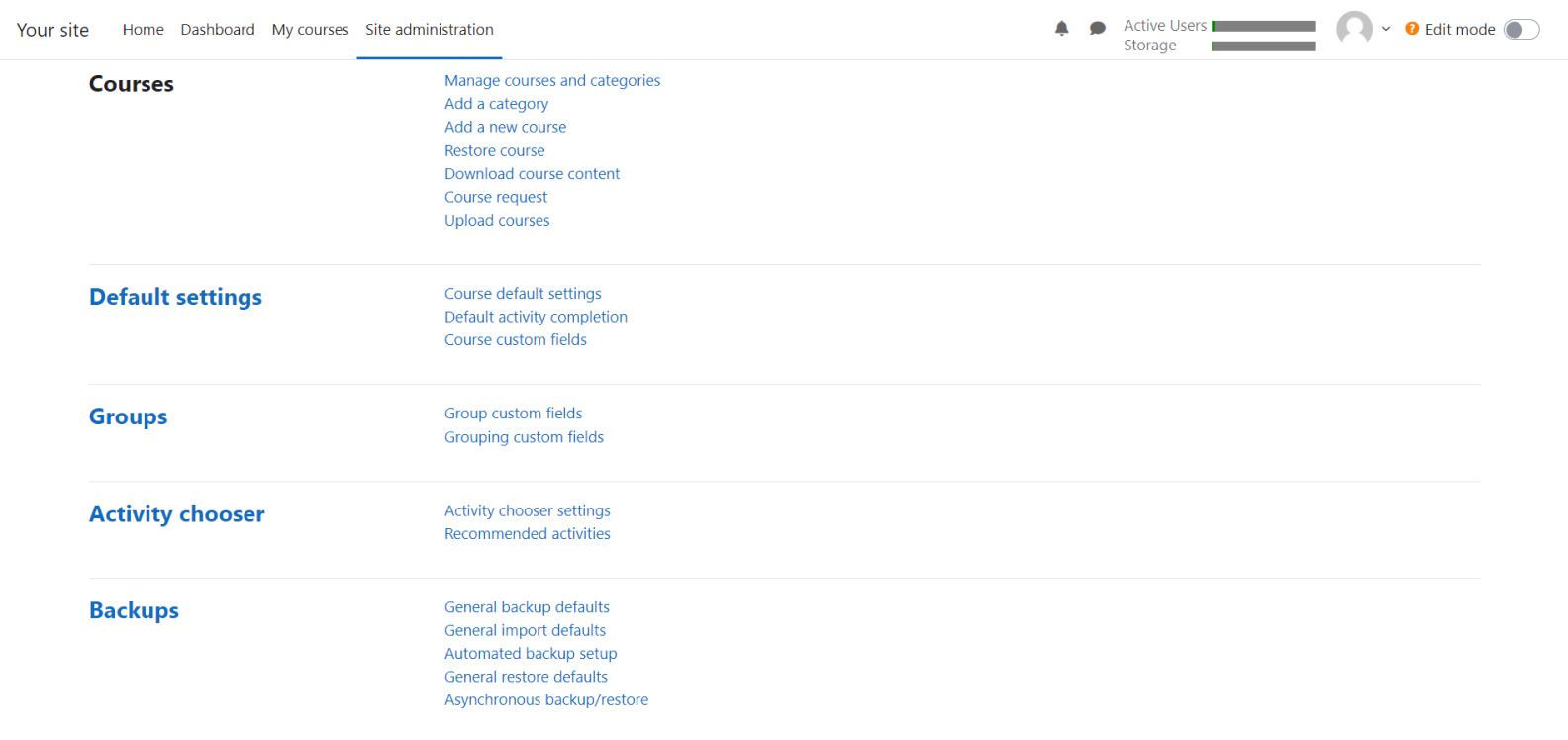
Moodle is one of the most renowned online learning platforms in the world. It is a versatile open-source solution that helps educators create an engaging learning environment, manage courses, and track learner progress.
Main features
- With course creation tools, educators can build personalized learning environments with various resources, content types (links, images, videos, and audio), and interactive activities.
- Course management tools help you share access to online training programs, schedule assessments, update materials, and create custom learning paths.
- The online education platform offers analytics and custom reports to help educators track progress, identify areas for improvement, and make informed decisions to enhance the learning experience.
Pros
- User-friendly interface
- Diverse assessment tools: quizzes, surveys, and workshops
- Gamification with badges, certificates, and interactive games
- Grading tool
- Supports multiple languages, including English and French
- Collaboration tools: group assignments, forums, glossaries, file sharing, etc.
- Notifications about new assignments, deadlines, etc.
- Third-party integrations (Office 365, G Suite, Zoom, etc.)
- API for custom integrations
- In-depth analytics
- Massive open online courses (MOOCs)
Cons
- The extensive feature set may overwhelm beginners
- Dependency on third-party plug-ins
- Customization may require technical skills
- No direct support
Best for:
Academic learning, as the platform has extensive collaboration features and is accessible for educational institutions with limited budgets.
Pricing
Moodle is free open-source software, but most added functionality plug-ins are paid.
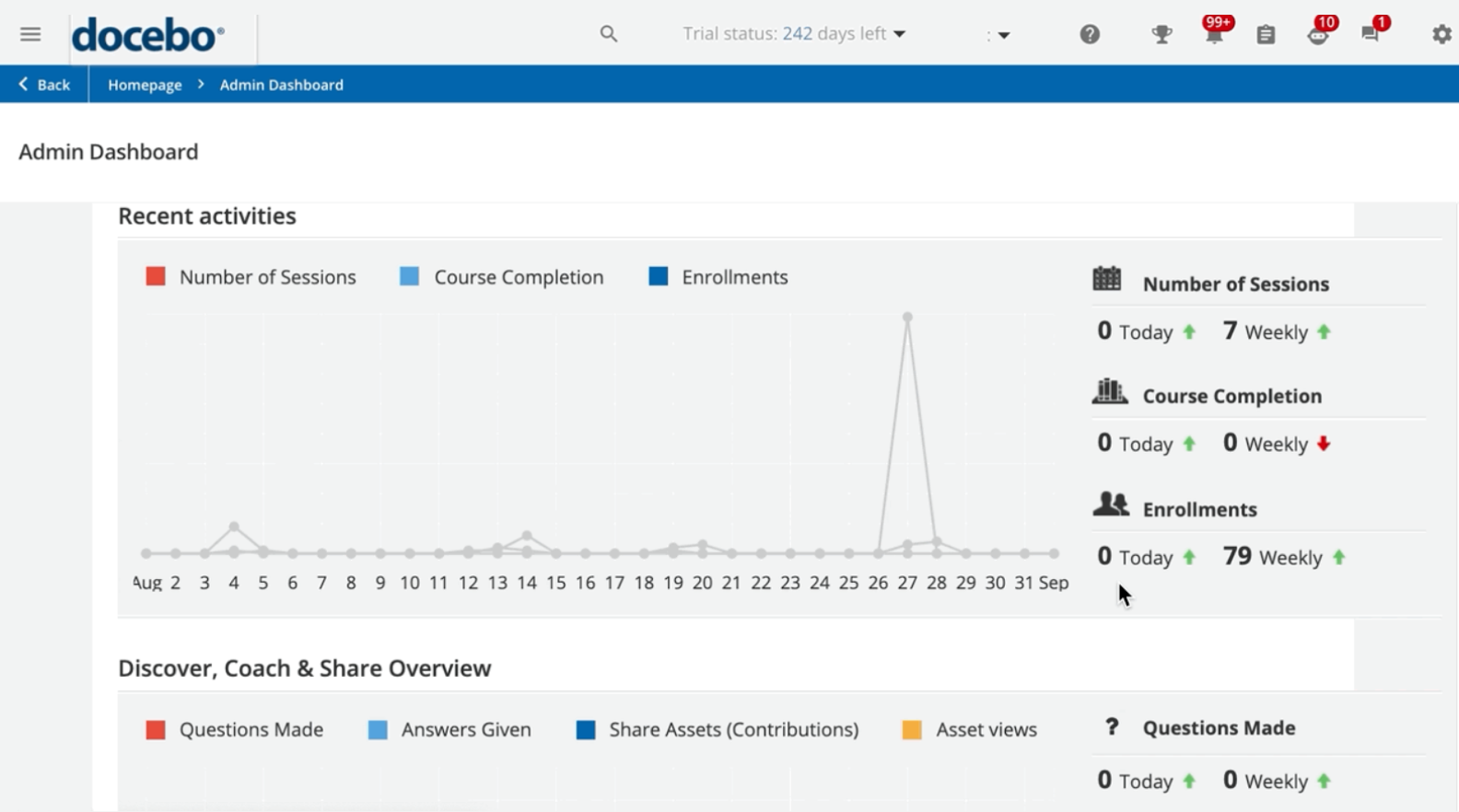
Docebo is a cloud-based LMS designed for corporate training and development. It supports automated, personalized learning paths with AI for efficient upskilling and reskilling.
Main features
- Course management tools let you create and categorize trainings, enroll users, and generate reports.
- Docebo’s AI-powered virtual coach suggests content based on user chats. This makes learning paths more personalized and helps you improve your training results.
- With advanced LMS reports, you can evaluate your eLearning ROI and optimize learning content based on metrics like views and engagement rates.
Pros
- Supports multiple languages, including English and French
- Third-party integrations (Salesforce, Microsoft Teams, Asana, Shopify, etc.)
- API for custom integrations
- Free extensions: certifications, automation, audit trail, etc.
- Gamification with badges, leaderboards, points, and rewards
- Custom report generator
- Easy mobile learning experience
- Free trial
- Responsive customer support
Cons
- Limited course and design functionality
- Users don’t clearly understand which plan suits them
- Doesn’t support B2B sales functionality
Best for:
Leadership development, upskilling, and social learning.
Pricing
Pricing is available upon request.
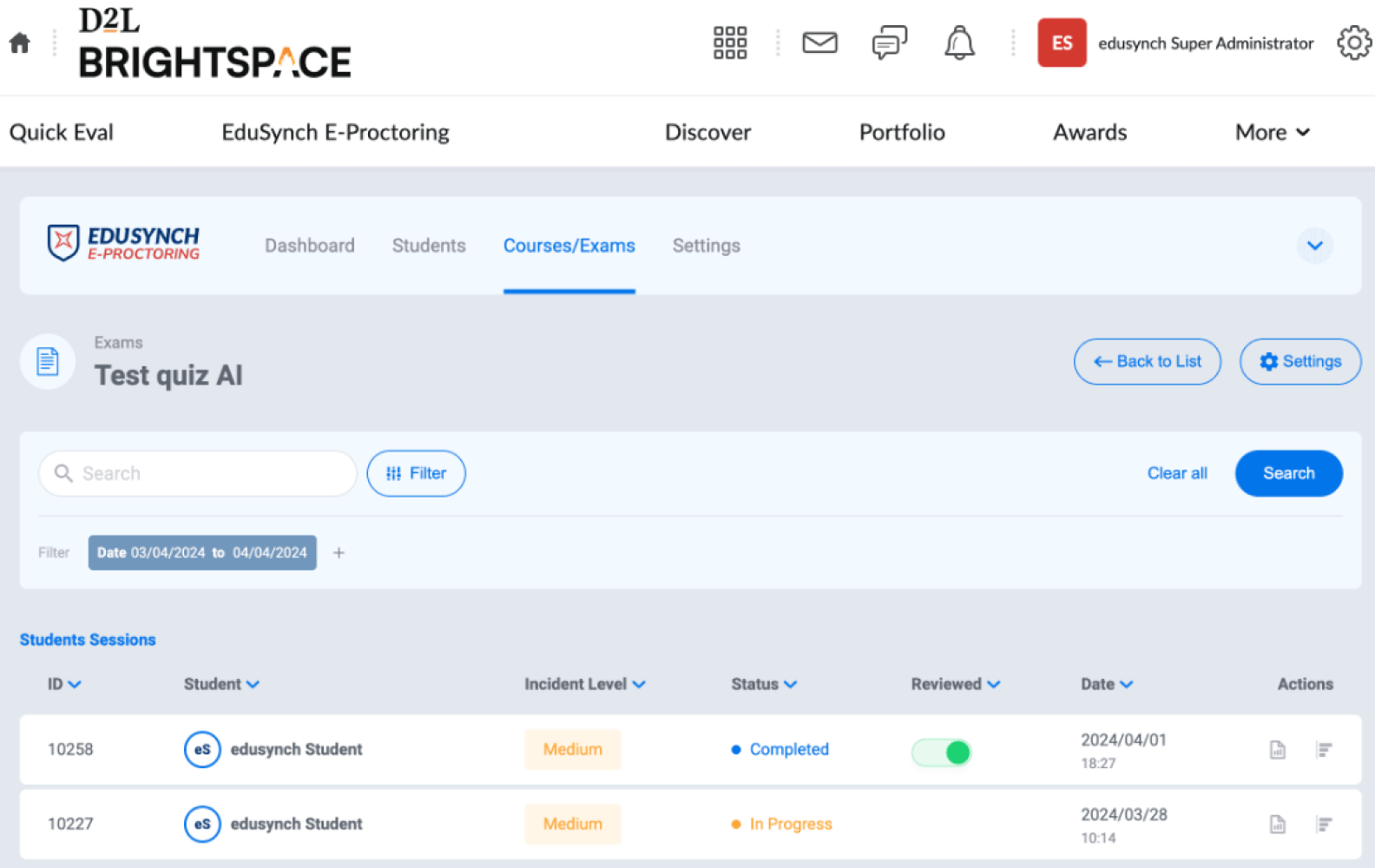
Brightspace is a cloud-based learning management system for educational institutions and corporate training. It’s widely used in K-12, higher education, and professional organizations for personalized learning.
Main features
- A dedicated AI coach provides learners with individual support and comprehensive feedback using a tailored video assessment.
- Generative AI can help educators create quizzes and practice questions from existing course content.
- Skills mapping identifies skills gaps and creates learning paths to help employees achieve their desired careers or skill sets.
Pros
- Supports multiple languages, including English and French
- Third-party integrations (e.g., CRM, ERP, and BI tools)
- API for custom integrations
- In-depth reporting and analytics
- Responsive customer support
- Free trial
Cons
- Some users find the interface confusing
- Some features (e.g., grade book) are difficult to set up
- Customization requires tech skills
Best for:
Blended classroom learning.
Pricing
Upon request.
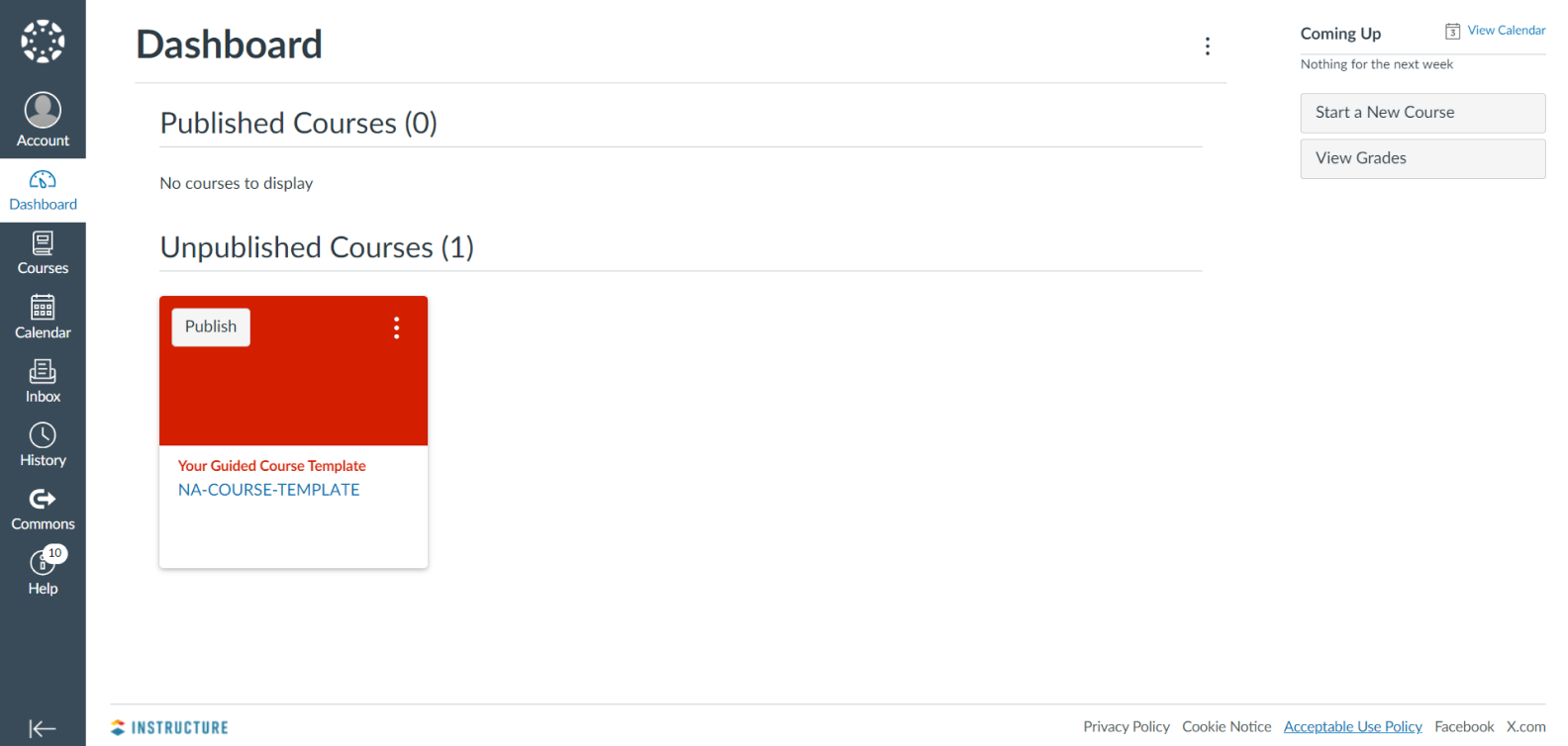
Canvas is a web-based adaptive learning management solution designed for K-12 educational operations and institutions of higher education. Students, teachers, and parents use it to access and manage courses, develop skills, and discuss achievements.
Main features
- Tailored learning pathways allow you to create individual paths for students based on their performance. You can also assign coursework based on the score of a previous assignment.
- Canvas Studio is an integrated video platform for creating, hosting, and sharing videos. It supports interactive video quizzes and discussions.
- Reporting and analytics help track student progress, assess course effectiveness, and measure learner engagement. The platform offers visualizations of integrated data and tracks learning achievements.
Pros
- Intuitive interface
- Supports multiple languages, including English and French
- Third-party integrations (e.g., Microsoft Teams, Zoom, and G Suite)
- API for custom integrations
- Gamification with badges, grades, and certificates
- User community
- Responsive customer support
- In-depth analytics
- Free for teachers with limited functionality (access for students, parents, and administrators)
- Free for students
Cons
- Can be overwhelming for new users
- Limited offline functionality
- Steep learning curve for advanced features
- Some integrations don’t work properly
- Inconsistent performance across different browsers
Best for:
Schools and universities, as the platform is designed for educational institutions.
Pricing
To access all functions and pricing plans, you need to request a demo.
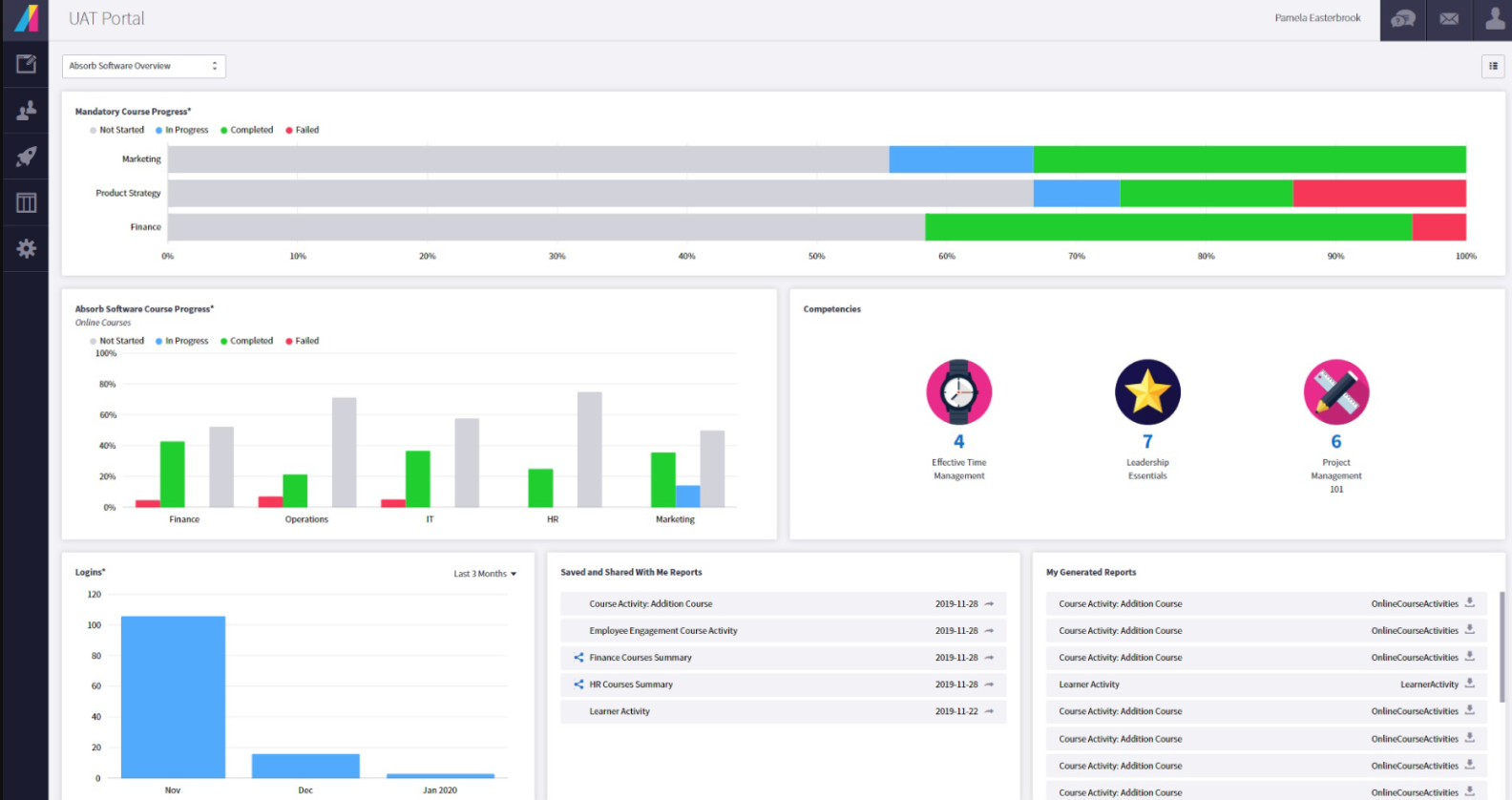
The Absorb LMS is a cloud-based learning management system designed to allow the creation of engaging courses. It’s suitable for onboarding new team members, developing employee skills, and making compliance training more engaging.
Main features
- Generative AI analyzes user data to suggest which content will be suitable for learners.
- Customizable learning paths help tailor training programs according to specific needs, roles, and departments.
- Reporting and analytics dashboards provide key insights on learner progress, training efficiency, and content gaps.
Pros
- Supports multiple languages, including English and French
- Content library with pre-built courses
- Third-party integrations (Salesforce, Zoom, Namely, etc.)
- API for custom integrations
- Responsive customer support
- Free trial
Cons
- Limited reporting capabilities
- Some features aren’t intuitive
- Limited import functionality
- Team structure can be tricky
- Some instructions in the knowledge base are difficult to understand
Best for:
Corporate training, as it allows businesses to adopt dynamic learning processes.
Pricing
Upon request.
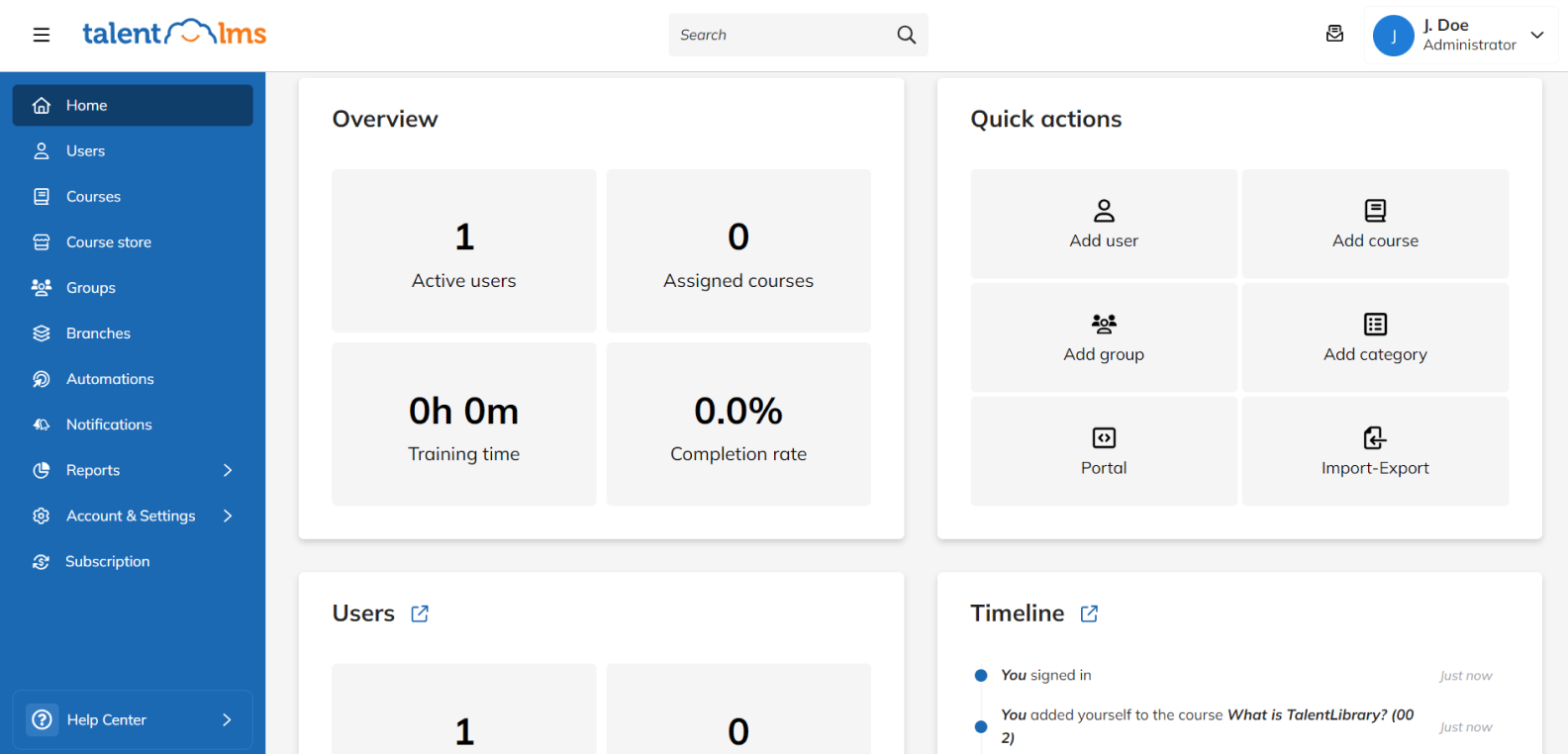
TalentLMS is a learning platform that allows businesses of all sizes to conduct engaging online seminars, classes, and training sessions.
Main features
- With the generative AI feature, you can create new courses instantly: write a prompt, and AI does the work.
- E-commerce capabilities allow you to sell online courses.
- Comprehensive analytics help you track and understand the performance of your eLearning environment.
Pros
- Easy to use
- Supports multiple languages, including English and French
- White labeling
- Content library with ready-made courses
- Gamification (points, rewards, leaderboards, and badges)
- Third-party integrations (Stripe, Zapier, Zoom, etc.)
- API for custom integrations
- User forums
- Custom reports
- Mobile learning without the need for network stability
- Forever-free plan
Cons
- Users find analytics basic
- Limited system notifications and course customization features
- Some documentation parts need clarification (e.g., data import)
Best for:
Extended enterprise and corporate training
Pricing
TalentLMS has five plans:
- Forever-free account (up to 5 users): free
- Core (up to 100 users): starts at $828 USD, billed annually
- Grow (up to 500 users): starts at $1,308 USD, billed annually
- Pro (up to 1,000 users): starts at $1,668 USD, billed annually
- Enterprise (1,000+ users): upon request
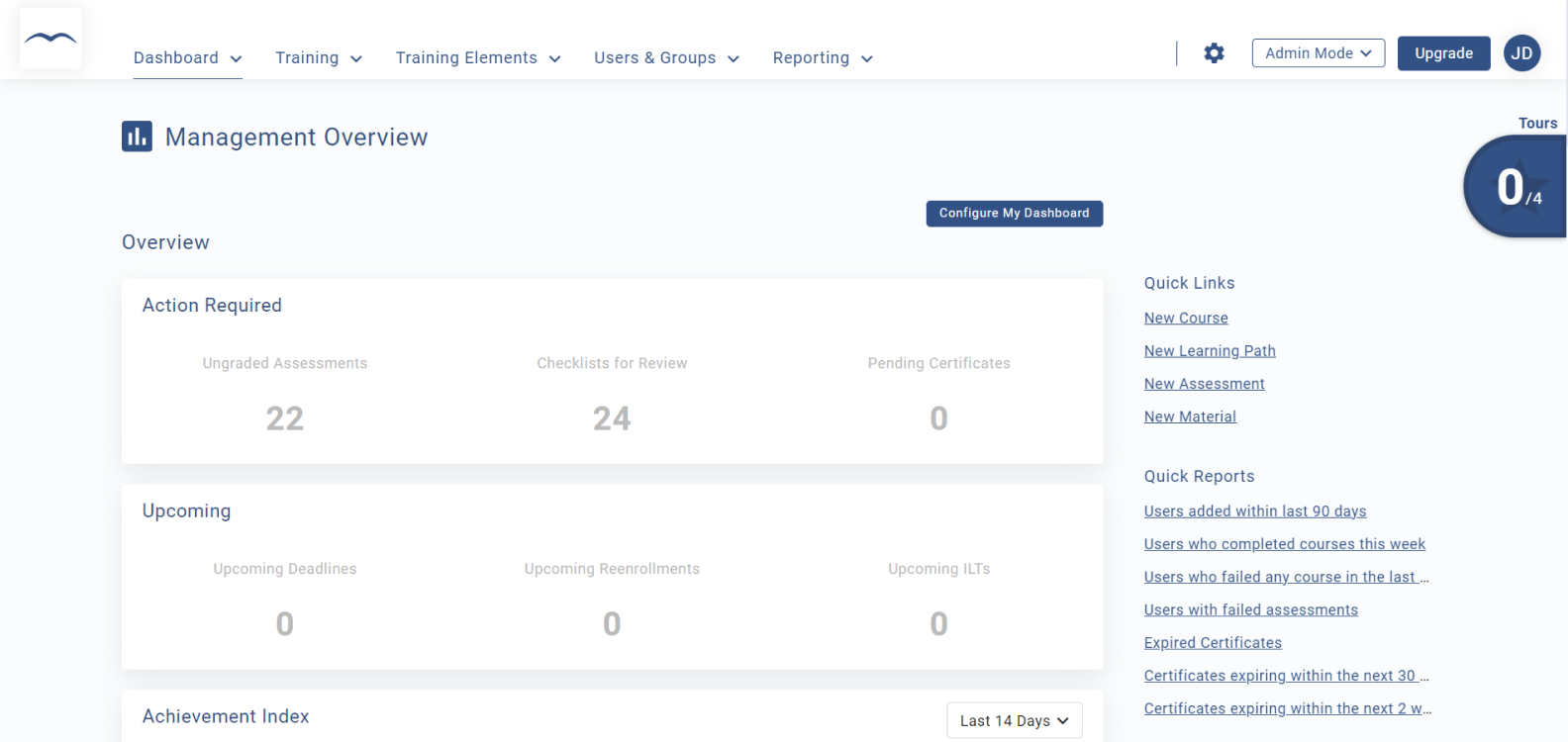
SkyPrep is a cloud-based learning management solution that helps organizations deliver, track, and optimize training for employees, customers, and partners.
Main features
- AI tools allow you to create custom assessments and scenarios, generate images and quiz questions, analyze learners’ performance, and provide personalized feedback.
- Custom reports help identify content gaps, improve training, and ensure the best learning experience for employees.
- Workflow automation tools include automatic enrollments, alerts, notifications, and user information updates. You can schedule how often you want to receive custom reports via email.
Pros
- Easy to use
- Supports multiple languages, including English and French
- White labeling
- Content library with pre-made courses
- Gamification (points, badges, leaderboards, and achievements)
- Third-party integrations (G Suite, LinkedIn, PayPal)
- API for custom integrations
- Responsive support
- Online forums
- Free trial
Cons
- Reporting and building custom certificates could be more user-friendly
- Limited customization options
- Steep learning curve for admins
Best for:
Enterprise learning activities
Pricing
SkyPrep has three plans. You need to contact their sales team for details:
- Lite (100+ active users)
- Premium (100+ active users)
- Enterprise learning suite (1,000+ active users)
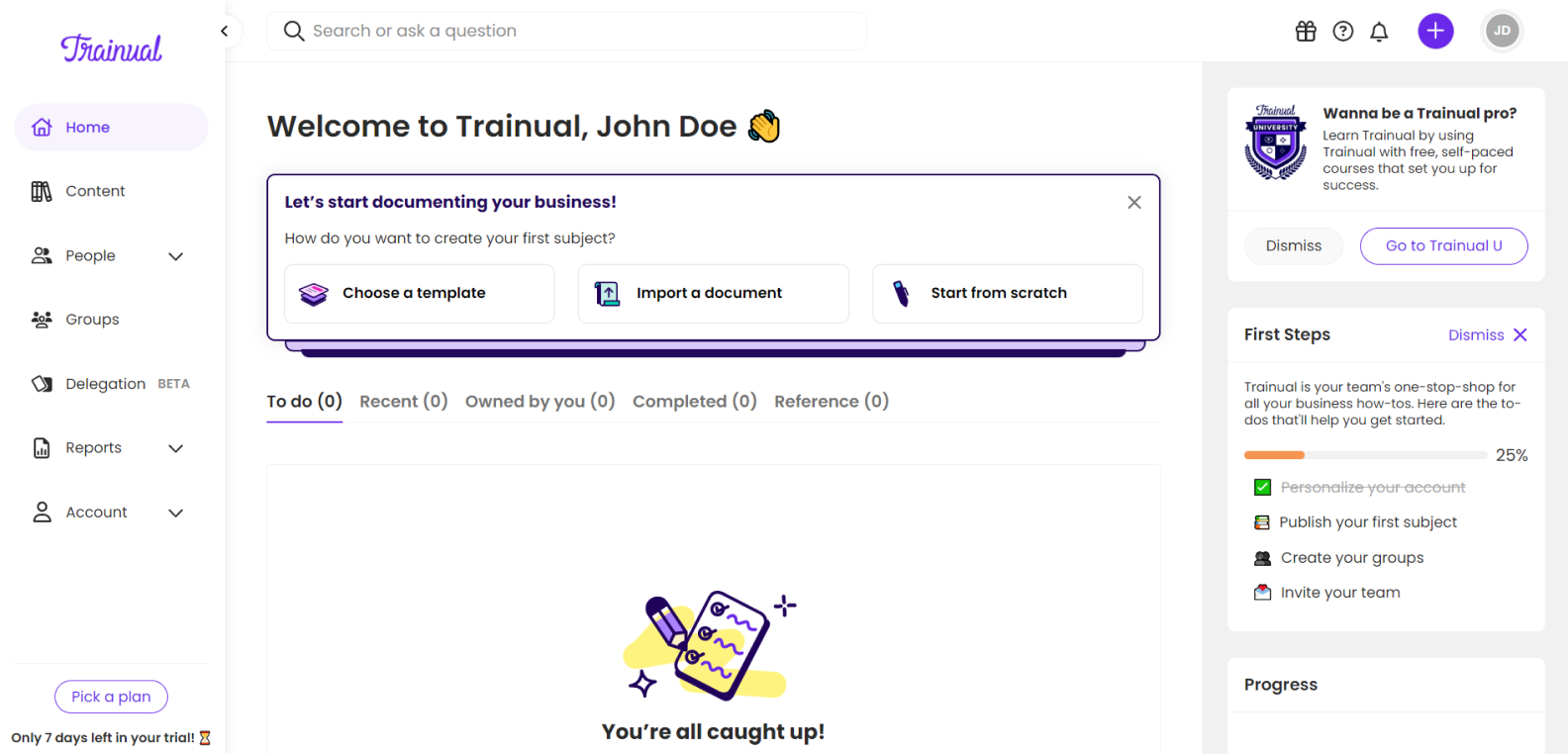
Trainual is one of the versatile learning management systems that helps small and mid-sized businesses standardize internal workflows and enhance team efficiency. With Trainual, you can create engaging courses and automate learning and onboarding processes.
Main features
- With their knowledge base, you can capture and organize the company’s knowledge and document processes.
- Generative AI helps you create learning content from scratch. Write a prompt, and AI generates learning content based on it.
- Automation tools help streamline workflows for instant access to online education. You can set user roles and connect people, knowledge, and processes to eliminate redundancies.
- In-depth analytics enable you to track user progress and performance to ensure that all necessary training is completed and understood.
Pros
- Easy to use
- Course templates
- Built-in tool for translating content into multiple languages, including English and French
- User forums and community
Gamification (badges, certificates of completion) - Third-party integrations (Slack, BambooHR, Loom, etc.)
- API for custom integrations
- Responsive support
- Free trial
Cons
- Quizzes show answers after the first attempt, so learners can copy them during the second attempt
- Limited customization options
- API documentation may sometimes be insufficient
Best for:
Employee onboarding and documenting internal workflows
Pricing
Trainual has four plans: Core, Pro, Premium, and Enterprise. Pricing is available upon request.
Looop is a cloud-based learning management solution that helps companies provide continuous education. The tool automates and streamlines routine L&D tasks, allowing you to concentrate on strategic initiatives.

Main features
- With L&D automation, you can use smart rules, triggers, and conditions to deliver online courses with less hassle.
- Personalized learning paths help employees focus on relevant resources. For example, they can upskill to grow and get a promotion. Algorithms suggest learning content based on data analysis.
- Video-based assessment tools let learners demonstrate their skills and knowledge, and AI will analyze their performance.
Pros
- User-friendly interface
- Simple course creation
- Training content templates
- Completion certificates
- User community
- Third-party integrations (Google Drive, Slack, Microsoft Teams, etc.)
- API for custom integrations
- In-depth analytics
- Responsive customer service
- Free trial
Cons
- Doesn’t support French
- Some features, such as campaign building, have a steep learning curve
- Limited Calendar integrations, so you can’t send invitations directly to Google Calendar
Best for:
Managing sales and compliance training, collaborative learning, onboarding, and customer education.
Pricing
Looop has four plans; you’ll need to book a demo or request a price:
- Small Business (up to 50 users)
- Mid Size Business (up to 250 users)
- Enterprise (up to 500 users)
- Enterprise plus (500+ users)
How to Choose the Best Learning Management System in Canada
When choosing the learning management system that best meets your needs, consider the following features:
- Customization capabilities. If you have complex training requirements, you may need robust customization features. Examples include customizable learning paths, dashboards, and branding.
- Course authoring. If you develop custom training materials, choose an LMS with an authoring tool in its ecosystem for smooth integration and cost reduction.
- Collaboration tools. To improve teamwork, opt for software that facilitates collaboration and offers user forums, communities, and virtual training tools.
- Tracking and reporting. These are important to identify learning content gaps and assess the efficiency of your training program. Consider what metrics you need to track and whether you need custom reporting.
- Third-party integrations. Ensure the LMS can integrate with other software that your organization uses.
Wrapping up
An LMS helps organizations simplify course creation and management so teams can focus on bigger goals and day‑to‑day operations. Whether you’re a small business owner, an educator, or an HR leader at a large enterprise, there’s an LMS designed to fit your needs.
But how do you find the best LMS in Canada? Many providers keep pricing and contract terms unclear, especially for those who haven’t yet joined their platform. iSpring LMS takes a different approach. It offers transparent plans, an intuitive interface, and full support from day one — no hidden barriers or complicated setup.
Book a live demo or start a 30-day free trial to explore how it works in practice.
for your mission-critical project

LMS Implementation: A 10-Step Plan for Success

The Top 20 LMS Features List: A Detailed Overview
